HTML Formatting
In this tutorial, we will learn about formatting text in HTML with the help of examples.
HTML provides us with several tags to help format text, <b> for bold, <i> for italic, <u> for underlining, etc. These tags are divided into two categories:
Physical Tags: These tags are presentational. They don't add extra meaning to the text. For example,
<p> This text is <i>italic</i>.</p>
Browser Output
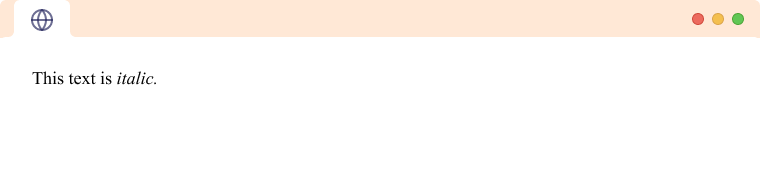
Here, the <i> is only for text styling and has no other meaning.
Semantic Tags: These tags add some special meaning to the text along with adding style to the text. For example,
<p> This text is <em>emphasized</em>.</p>
Browser Output
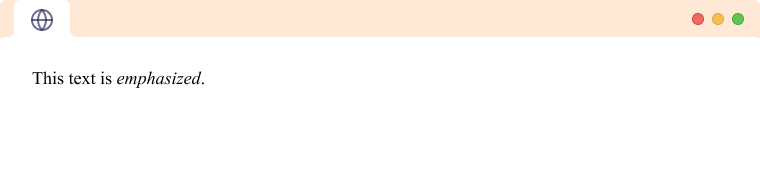
Here, the <em> is used to emphasize text. Screen readers also emphasize text inside the <em> tag while dictating.
Note: The formatting tags are mostly inline tags like <b>, <u>, <i>, etc and are used for styling texts.
HTML Formatting tags
Below are listed the formatting tags available in the latest version of HTML.
<b>tag - Bold Text<i>tag - Italic Text<u>tag - Underlined Text<strong>tag - Strong Text<em>tag - Emphasized Text<mark>tag - Highlighted Text<sup>tag - Superscript Text<sub>tag - Subscript Text<del>tag - Deleted Text<ins>tag - Inserted Text<big>tag - Big Text<small>tag - Small Text
HTML <b> and <strong> tag
The HTML <b> is a physical tag used to simply make text bold.
<p> This text is <b>bold</b>.</p>
Browser Output
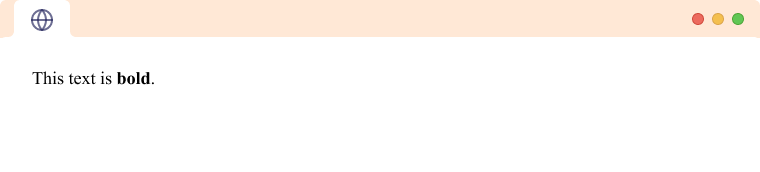
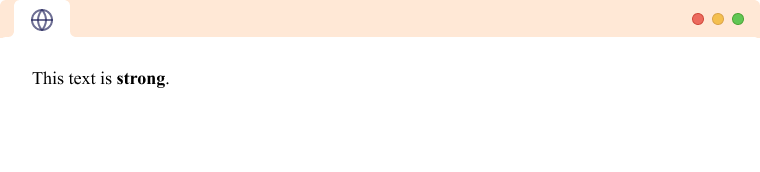
The HTML <strong> tag is a semantic tag that is used to signify that the text inside the tag is of higher importance. This is shown by making the text bold.
<p> The text is <strong>strong</strong>.</p>
Browser Output
To learn more about the <b> and <strong> tag, visit HTML Bold.
HTML <i> and <em> tag
The HTML <i> tag is a physical tag used to make the text italic. It is used to indicate foreign text, scientific nomenclature, thoughts, etc.
<p> This text is <i>italic</i>.</p>
Browser Output
The HTML <em> tag is a semantic tag that is used to signify that the text inside the tag is being emphasized. It is a semantic tag as opposed to <i>, which doesn't hold any semantic meaning.
<p> This text is <em>emphasized</em>.</p>
Browser Output
To learn more about the <i> and <em> tag, visit HTML Italic.
HTML <u> tag
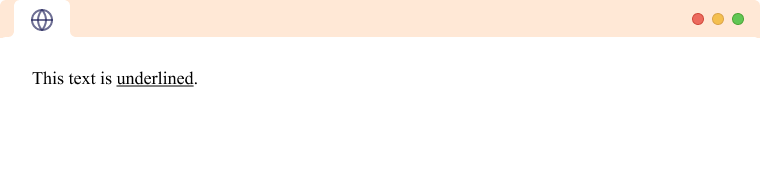
The HTML <u> tag is a physical tag used to make the text underlined.
<p> This text is <u>underlined</u>.</p>
Browser Output
HTML <mark> tag
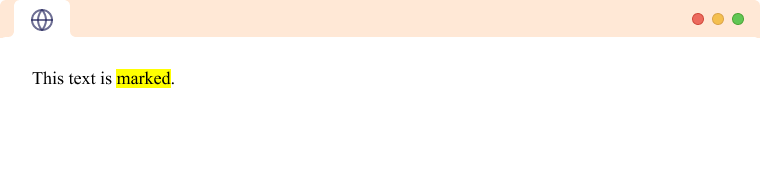
The HTML <mark> tag is a physical tag that is used to highlight text.
<p> This text is <mark>marked</mark>.</p>
Browser Output
HTML <sup> and <sub> tag
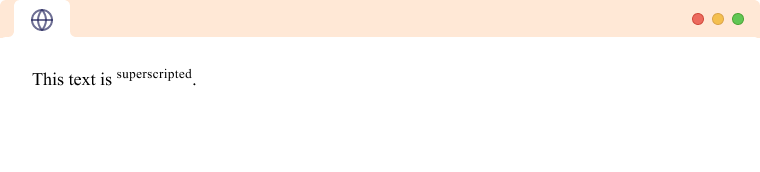
The HTML <sup> tag is used to create superscript text. The text is placed half a character height above other text and is a size smaller.
<p> This text is <sup>superscripted</sup>.<p>
Browser Output
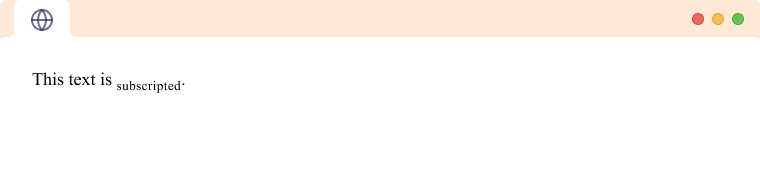
The HTML <sub> tag is used to create subscript text. The text is placed half a character height below other text and is a size smaller.
<p> This text is <sub>subscripted</sub>.<p>
Browser Output
To learn more about the <sup> and <sub> tag, visit HTML Superscript and Subscript.
HTML <ins> and <del> tag
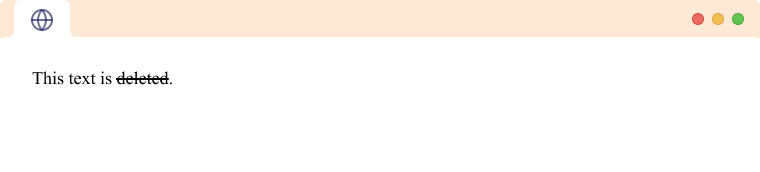
The HTML <del> tag is a semantic tag used to represent that the text is deleted or changed.
<p> This text is <del>deleted</del>.</p>
Browser Output
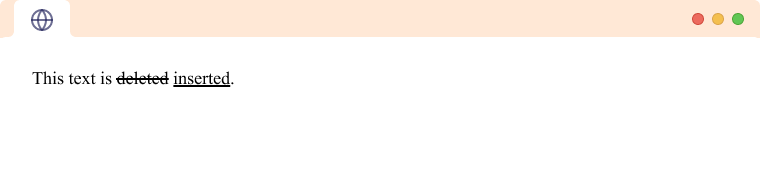
The HTML <ins> tag is a semantic tag used to represent that the text has been inserted in the document. The <ins> tag generally follows some deleted text.
<p> This text is <del>deleted</del> <ins>inserted</ins>.</p>
Browser Output
HTML <big> and <small> tag
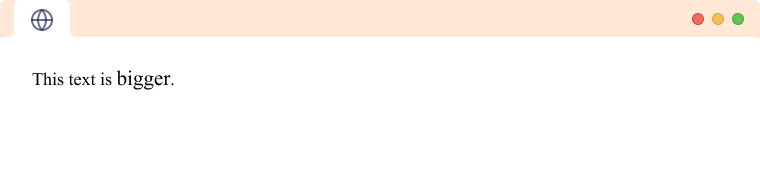
The HTML <big> tag is a physical tag used to make text one font size larger than the surrounding text.
<p> This text is <big>bigger</big>.</p>
Browser Output
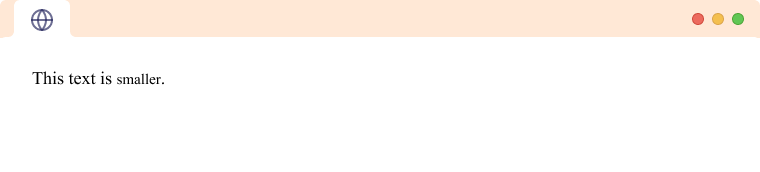
The HTML <small> tag is a physical tag used to make text one font size smaller than the surrounding text.
<p> This text is <small>smaller</small>.</p>
Browser Output