
CSS Outline Property
In this tutorial, you will learn about CSS outline with the help of examples.
The CSS outline property is used to draw a line outside the border of an element. For example,
h1 {
    border: 10px solid black;
    outline: 10px solid orange;
}
Browser Output
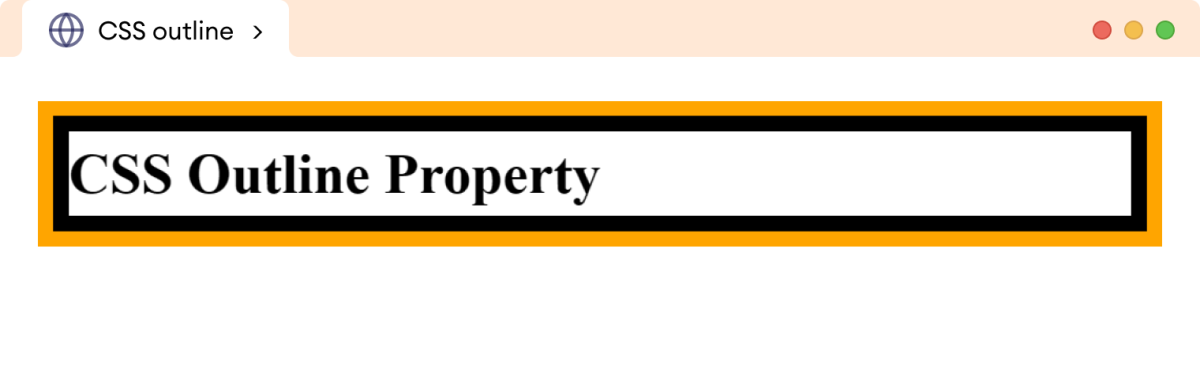
Here, the outline property adds a 10px solid orange line outside the border of the h1 element.
The outline property has the following related properties:
outline-style: specifies the styles of the outlineoutline-width: specifies the outline widthoutline-color: specifies the outline coloroutline: shorthand property to specify theoutline-style,outline-width, andoutline-colortogether
We will look into each of them briefly.
CSS outline-style Property
The outline-style property is used to specify the style of the element's outline.
The possible values for the outline-style properties are as follows:
solid: creates an outline with a single solid linedotted: creates an outline with a series of dotsdashed: creates an outline with a series of dashesdouble: creates an outline with two parallel linesgroove: creates an outline with a carved-in 3D effectridge: creates an outline with a raised 3D effectinset: creates an outline with a pushed-in 3D effectoutset: creates an outline with a popped-out 3D effectnone: no outline is displayedhidden: the outline is hidden
Let's see an example,
<!DOCTYPE html>
<html lang="en">

    <head>
        <meta charset="UTF-8" />
        <meta name="viewport" content="width=device-width, initial-scale=1.0" />
        <link rel="stylesheet" href="style.css" />
        <title>CSS outline-style</title>
    </head>

    <body>
        <p class="solid">outline-style: solid;</p>
        <p class="dotted">outline-style: dotted;</p>
        <p class="dashed">outline-style: dashed;</p>
        <p class="none">outline-style: none;</p>
        <p class="hidden">outline-style: hidden;</p>
    </body>

</html>
/* creates a solid outline */
p.solid {
    outline-style: solid;
}

/* creates a dotted outline */
p.dotted {
    outline-style: dotted;
}

/* creates a dashed outline */
p.dashed {
    outline-style: dashed;
}

/* no outline is created */
p.none {
    outline-style: none;
}

/* hides the outline */
p.hidden {
    outline-style: hidden;
}

/* adds 8px padding to all p */
p {
    padding: 8px;
}
Browser Output
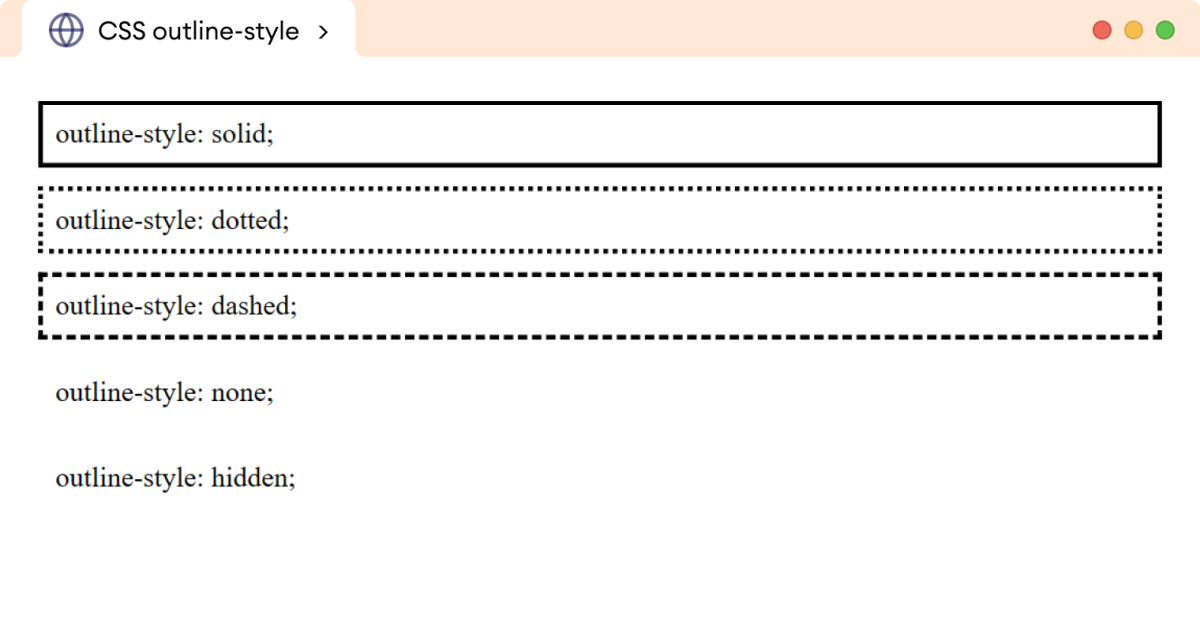
The above example shows the output of different values of the outline-style property.
Note: The difference between outline-style: none and outline-style: hidden is that none removes the outline completely while hidden hides the outline but still takes up space.
The outline-style: hidden is more recommended as it also preserves the focus on the elements and enhances accessibility.
CSS outline-width Property
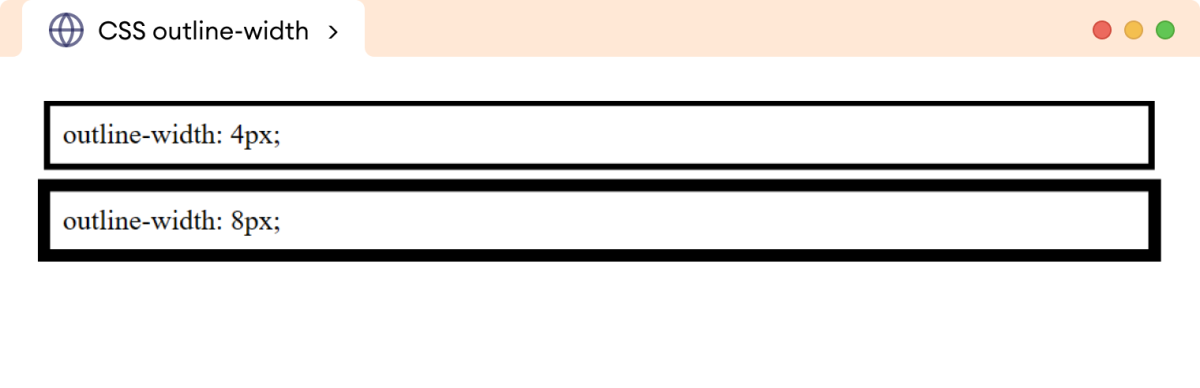
The outline-width property is used to specify the width of an outline.
The outline-width property value can be specified in length units such as px, pt, etc, or one of the keywords - thin, medium, and thick.
Let's see an example,
<!DOCTYPE html>
<html lang="en">

    <head>
        <meta charset="UTF-8" />
        <meta name="viewport" content="width=device-width, initial-scale=1.0" />
        <link rel="stylesheet" href="style.css" />
        <title>CSS outline-width</title>
    </head>

    <body>
        <p class="first">outline-width: 4px;</p>
        <p class="second">outline-width: 8px;</p>
    </body>

</html>
p {
    padding: 8px;
    outline-style: solid;
}

p.first {
    outline-width: 4px;
}

p.second {
    outline-width: 8px;
}
Browser Output
Note: We need to specify the outline-style property for all other outline-related properties to work.
CSS outline-color Property
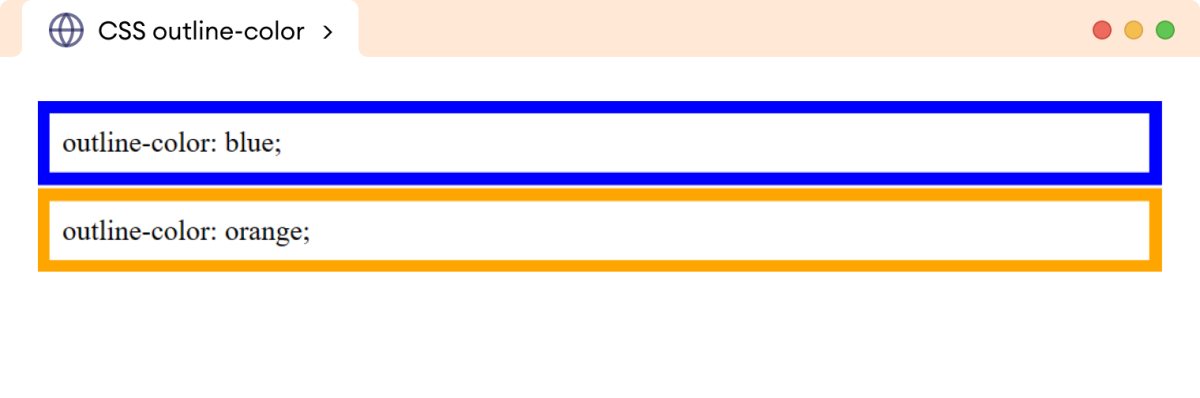
The outline-color property is used to specify the color of the element's outline.
The value of the outline-color property can be specified in any color format, such as color names, HEX, HSL, and RGB.
Let's see an example,
<!DOCTYPE html>
<html lang="en">

    <head>
        <meta charset="UTF-8" />
        <meta name="viewport" content="width=device-width, initial-scale=1.0" />
        <link rel="stylesheet" href="style.css" />
        <title>CSS outline-color</title>
    </head>

    <body>
        <p class="first">outline-color: blue;</p>
        <p class="second">outline-color: orange;</p>
    </body>

</html>
p {
    outline-style: solid;
    outline-width: 8px;
    padding: 8px;
}

p.first {
    outline-color: blue;
}

p.second {
    outline-color: orange;
}
Browser Output
CSS outline Shorthand Property
The outline shorthand property is used to specify the outline-style, outline-width, and outline-color properties in a single declaration.
The syntax of the shorthand outline property is as follows:
outline: outline-width outline-style outline-color inherit;
Let's see an example,
<!DOCTYPE html>
<html lang="en">

    <head>
        <meta charset="UTF-8" />
        <meta name="viewport" content="width=device-width, initial-scale=1.0" />
        <link rel="stylesheet" href="style.css" />
        <title>CSS outline</title>
    </head>

    <body>
        <p>
            This paragraph has a solid outline of 10px width and having orange
            color.
        </p>
    </body>

</html>
p {
    outline: 10px solid orange;
    padding: 8px;
}
Browser Output
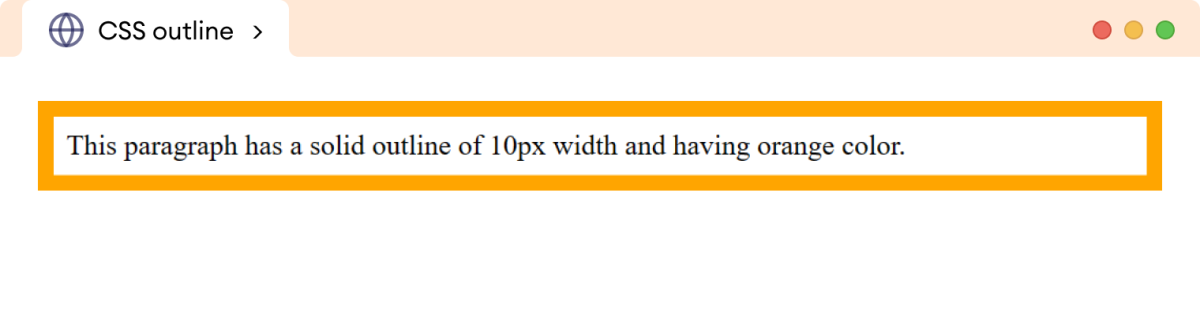
In the above example,
outline: 10px solid orange;
is equivalent to,
outline-style: solid;
outline-width: 10px;
outline-color: orange;
The outline shorthand property requires at least outline-style value to work.
Note:
- The
outlineproperty is different from theborderproperty even though it takes the same properties as a border and generates a similar output.
- The
outlineproperty doesn't have properties to provide an outline to the individual sides of an element, unlike theborderproperty.
For example, we can provide the border to each side asborder-top,border-right, etc but we can't provide an outline to each side as outline-top or outline-right. - The
outlineproperty is not a part of the box model, unlike theborderproperty. So, the width of the outline doesn't affect the size (width or height) of an element.